
Permission Level for the user or group can be modified to restrict the user to edit in SharePoint designer.
Site Settings -> Advanced Permissions
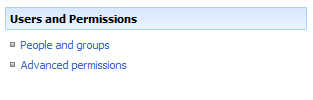
Click Advanced Permissions, Select Settings -> Permission Levels
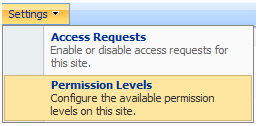
You can add/edit existing permission level.
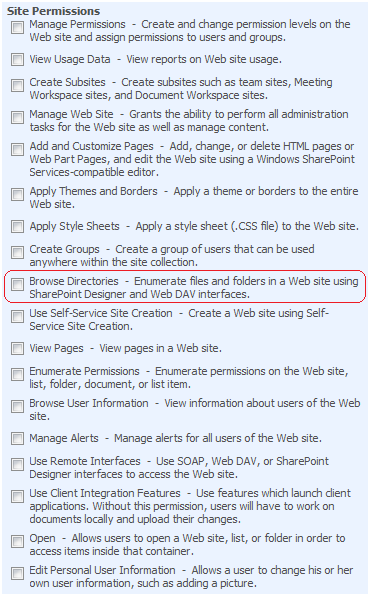
Uncheck Browse Directories Permission level.
Leave a Reply